
Editor Markdown
# markdown in your browser
Write in Markdown,
sync if you want.
A Markdown editor with live preview that works offline and without an account: your documents live in your browser. Sign in and they sync across your devices in real time; put the sensitive ones in a vault and they are encrypted in your browser. No one can read them.
Editor Markdown is a free Markdown editor with live preview, in Spanish and English. You write on the left, see the result on the right, and nothing asks you to sign up first.
It began in 2020 as my fork of Dillinger: the documents lived in the browser's localStorage, and GitHub, Bitbucket and Dropbox were there to open and save files. In 2026 I rewrote it from scratch, keeping the address and the people who used it. The new editor reads the old one's storage on the first visit and moves those documents in, so nobody lost what they had written.
Local first
The documents live in the browser, in IndexedDB. The editor is cached by a service worker, so it opens and works without a connection, and it installs as an app. There is no account to create before writing.
An account is optional, and what it adds is sync. Sign in with an email code, GitHub or Google, and the documents and folders reach your other devices in real time, with version history and a diff between any two versions. Two windows on the same document see each other's typing as it happens, and edits made offline merge when the connection is back instead of overwriting each other.
Writing
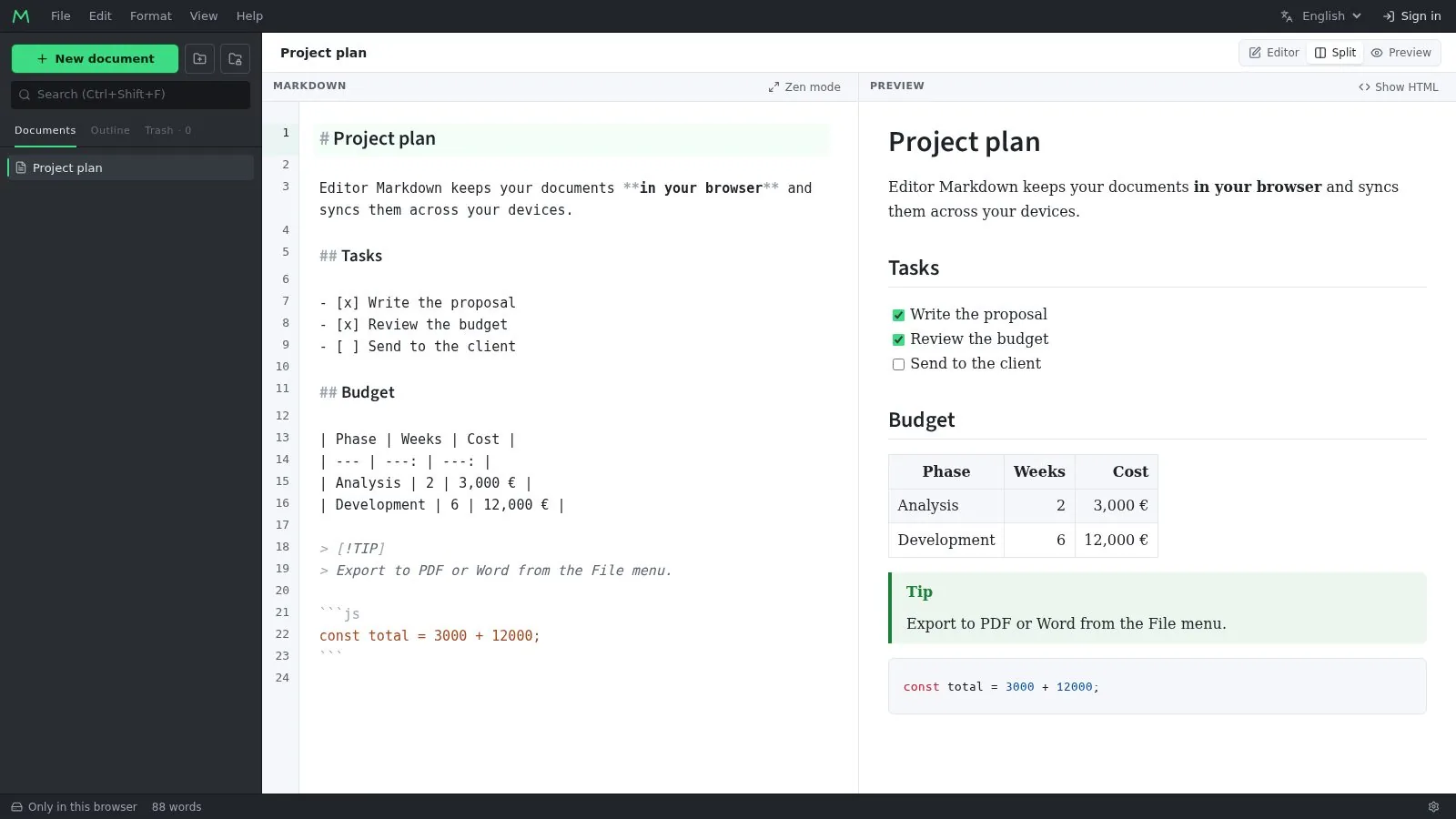
- GitHub-style Markdown: tables, task lists, alerts (
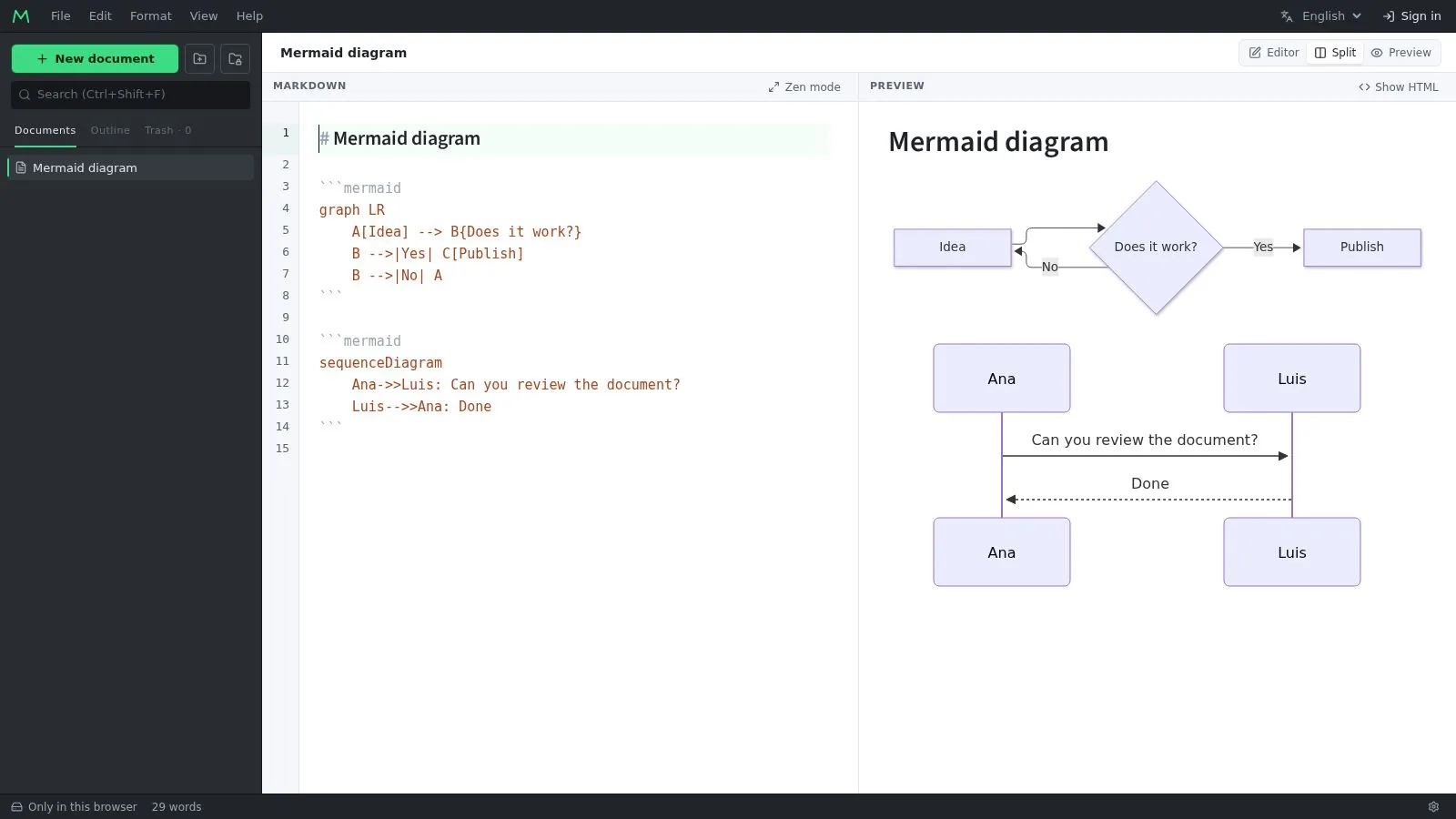
[!TIP],[!WARNING]), emoji, footnotes and front matter. - LaTeX math rendered with KaTeX, and diagrams written as text with Mermaid.
- Code highlighting, an outline panel built from the headings, and scroll sync that maps each line of the source to its place in the preview.
- Vim and Emacs keybindings, the browser's spellchecker and a zen mode.
- Pasting from Word, Google Docs or a web page turns into Markdown, and cells copied from Excel or Google Sheets become a table.
- Export to PDF, HTML and Word (.docx), all done in the browser.
Encrypted vaults
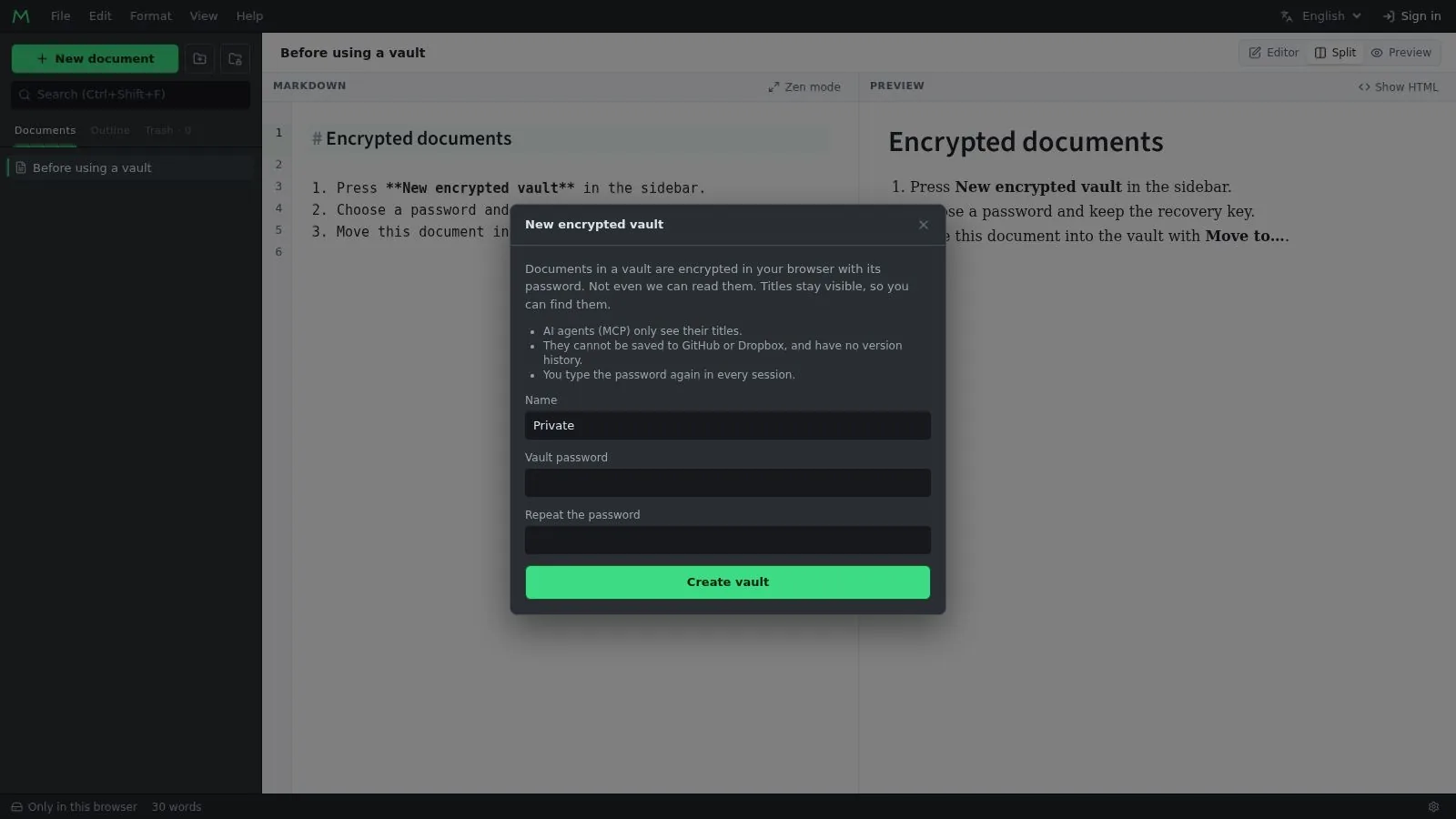
For the documents that should not be readable by anyone else, including me. A vault is a folder with its own password: its documents are encrypted in the browser with AES-256-GCM, with the key derived from the password, before anything is stored or synced. The server keeps encrypted updates it cannot open, and only the titles stay visible, so they can still be found.
There is a recovery key for when the password is forgotten, and the password is asked again in every session. Vault documents stay out of everything that would need to read them on the server: no search index, no version history, no GitHub or Dropbox, and AI agents only see their titles.
GitHub, Dropbox and AI assistants
GitHub works through a GitHub App, so you choose which repositories it can reach. A README opens like any other document and saving it makes a commit. Dropbox works the same way. The tokens stay on the server, and if the file changed on the other side since you opened it, saving says so instead of overwriting it.
Claude, ChatGPT and other assistants can connect through MCP to search, read and edit your documents, with OAuth for access and every change they make kept in the version history.
How it is built
Laravel 13 owns the data and Svelte 5 the editor. The editor is a single-page app on CodeMirror 6, with Dexie over IndexedDB for local storage. Every identifier is created in the browser, so a document written offline already has its final id when it syncs.
Two sync channels. Metadata (titles, folders, trash) goes through a sync endpoint with a sequence number per change. Content goes through Yjs and Hocuspocus over a WebSocket, which is what makes typing in two places merge instead of conflict. Hocuspocus loads and stores through Laravel, and anything the server writes into a document, from an integration or an AI agent, goes through Hocuspocus too, so open editors see it at once.
The home page and the editor are one URL. A first visit sees the home page and the guides; a returning one goes straight to the editor, which is the same document cached for offline use, so it never carries user data.
Every decision is written down, with its reason, in a single architecture document, and it ships with 122 backend tests and 109 frontend tests.
Status
Online since 2020; the rewrite has been live since October 2026.